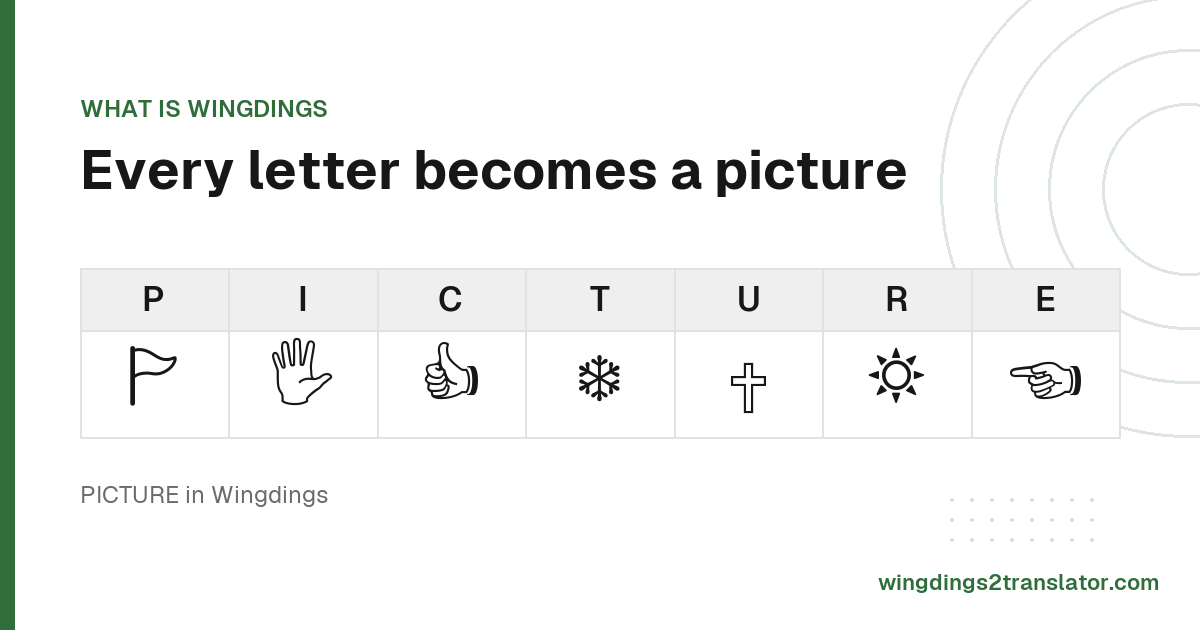
Where the Wingdings font came from
Wingdings began as the Lucida Icons, Arrows and Stars glyph sets, drawn by type designers Charles Bigelow and Kris Holmes as companions to their Lucida text family. Microsoft licensed those sets in 1990, reordered and renamed them, then shipped the result as a TrueType font with Windows 3.1.
The name is a blend of Windows and dingbat, the old printing term for a decorative ornament used to break up text.
Microsoft owns the trademark. The design and its glyph order received US Design Patent D341848 in November 1993, which expired in 2007.
Some copyright strings inside the file also credit Type Solutions, Inc., which made the hinting tool applied to the font.
Those details come from Microsoft's own typography documentation and the metadata embedded in the font file, not from folklore.
What the Wingdings symbols actually are
Wingdings holds 223 symbols across the typeable range, all drawn in black and white. You get pointing hands, weather signs, zodiac and religious symbols, enclosed numerals, an unusual set of ampersands, and early office icons: a diskette, a fax machine, a mouse and a trackball.
There are no colors and no shading anywhere in the font. Every glyph had to read clearly at small sizes on a 1992 monitor.
One symbol has no standard equivalent at all. Character 255 draws the Windows logo, a corporate mark Unicode will never encode.
Almost all the rest do have equivalents, which is why the symbols on this site display on a Mac or a phone with no font installed.
The complete key-by-key map lives on the Wingdings alphabet chart, where you can look up any single character.
Wingdings, Wingdings 2, Wingdings 3 and Webdings
Four fonts share the family look and none of them share a character map. Wingdings covers general icons, Wingdings 2 leans on pointing hands and enclosed numbers, Wingdings 3 is almost entirely arrows, and Webdings arrived in 1997 with web and media icons in a more modern style.
| Font | Released | What it contains | Use it when |
|---|---|---|---|
| Wingdings (Wingdings 1) | 1990 to 1992 | General icons, hands, weather, zodiac signs and checkboxes | Most Wingdings text you will meet. Start here. |
| Wingdings 2 | Early 1990s | Pointing hands, enclosed numbers, ampersands and geometric shapes | Your output has boxed numbers or a lot of pointing hands. |
| Wingdings 3 | Early 1990s | Almost entirely arrows and triangles | Your output is mostly directional arrows. |
| Webdings | 1997 | Web and media icons, with a more modern look | Your symbols look like play buttons and web icons. |
Wingdings 2 and Wingdings 3 came from Type Solutions and shipped with Microsoft Office rather than with Windows itself.
Wingdings 3 also carries a small set of keytop symbols, including the escape, option, tab and caps lock marks you see printed on a keyboard.
Webdings debuted alongside Internet Explorer 4, then became part of Windows from Windows 98 onward.
There is no Wingdings 4. Microsoft made three Wingdings fonts, and Webdings is a separate typeface rather than a fourth installment.
Wingdings 1 and standard Wingdings are the same font too, so anything labeled Wingdings 1 needs no special handling.
How to get the Wingdings font
Wingdings is already installed on Windows, and current versions of macOS ship it too, alongside Wingdings 2, Wingdings 3 and Webdings. Android, Linux and ChromeOS do not include it, which is why the same document can look completely different depending on the device you open it on.
Three ways to check whether you already have it:
- On Windows, open Settings, then Personalization, then Fonts, and search for it.
- On a Mac, open Font Book and look through All Fonts.
- In Word or PowerPoint, type the name into the font dropdown.
Missing it? Installing Microsoft Office is the supported route. Microsoft does not sell the font separately, and font-piracy sites are not worth the risk.
Most of the time you do not need it installed at all. The standard Unicode symbols work everywhere, and every key and the symbol it makes is listed for reference.
Using Wingdings in Word, PowerPoint and Google Docs
Word and PowerPoint both support Wingdings natively. Pick it from the font dropdown and type, or use Insert then Symbol to browse the glyphs and place one without switching fonts. Excel and Outlook behave the same way, since all four read the fonts installed on your system.
Google Docs is the exception. Its font menu carries Google Fonts only, so Wingdings never appears in the list.
The workaround is to paste standard Unicode symbols in instead, covered in the Google Docs walkthrough.
There is also a clickable symbol keyboard if you would rather pick glyphs than memorize which key draws what.
Why Wingdings symbols disappear or turn into boxes
Wingdings predates Unicode, so its symbols were never given standard codepoints. The font parks them in the Private Use Area, a stretch of the character space where meaning is left to whoever installed the font. Without Wingdings on the device, your reader sees empty rectangles.
That changed in June 2014. Unicode 7.0 approved real codepoints for most Wingdings and Webdings symbols, drawing directly on Microsoft's sets.
Those standard characters render on any current device with nothing to install. This site outputs them rather than the Private Use Area originals.
So a message that arrives as a row of boxes is usually still recoverable. Paste it into the tool on the home page and the letters come back.
Wingdings in pop culture
Wingdings has picked up a strange cultural footprint for a font, spanning a 1992 controversy, a false chain email after September 11, an indie game's hidden character, and a sketch show. All four episodes are well documented, and two of them are routinely reported wrongly.
The 1992 NYC glyphs
Days after Windows 3.1 shipped, people noticed that typing NYC in Wingdings produces a skull and crossbones, a Star of David and a thumbs up: 🕱✡︎👍︎
The sequence was widely alleged to be an antisemitic message aimed at New York's Jewish community. Microsoft denied any intent.
Microsoft said the final glyph ordering was largely arbitrary, inherited from the Lucida sets rather than chosen letter by letter.
Snopes and contemporaneous Wired reporting both cover the episode and Microsoft's response.
When Webdings shipped in 1997, NYC was deliberately set to an eye, a heart and a city skyline: 👁︎🎔🏙︎. It echoes the I Love New York logo.
The Q33 NY email is false
Take the correction first: this one is false. A chain email circulated after September 11 claiming Q33 NY was the first plane's flight number.
The two aircraft that struck the towers were American Airlines Flight 11 and United Airlines Flight 175. Their tail numbers were N334AA and N612UA.
Q33 NY matches no flight number and no registration involved that day. Snopes debunked the email at the time.
Any string at all produces symbols in Wingdings, which is what makes this kind of pattern-matching so easy to fake.
Undertale and Saturday Night Live
In Toby Fox's Undertale, the hidden character W. D. Gaster speaks in Wingdings, most visibly in Lab Entry Number 17.
Fans read his lines by mapping each symbol back to the key that draws it, which is what the Gaster translator automates.
In an April 2024 Saturday Night Live sketch, Ryan Gosling played the son of the font's fictional creator, a dad who was always hard to read.
Wingdings font FAQ
Who created the Wingdings font?
Wingdings was created by Microsoft in 1990, assembled from the Lucida Icons, Arrows and Stars glyph sets licensed from type designers Charles Bigelow and Kris Holmes. Microsoft reordered and renamed the collection, then shipped it as a TrueType font with Windows 3.1 in 1992.
Why is it called Wingdings?
The name Wingdings is a blend of Windows and dingbat, the printing term for a small decorative ornament used to break up blocks of text. Microsoft coined it for the font's 1992 debut on Windows 3.1, and the trademark is still theirs.
Is there a Wingdings 4?
There is no Wingdings 4. Microsoft produced exactly three fonts in the family, Wingdings, Wingdings 2 and Wingdings 3, then released Webdings in 1997 as a separate typeface rather than a fourth entry in the series. Wingdings 1 is simply standard Wingdings.
Is Wingdings free?
Wingdings is not sold separately. It ships bundled with Windows and with Microsoft Office, so you already have it if you use either, and Microsoft licenses it that way rather than as a standalone download. Check your font list before looking elsewhere.
Can I read Wingdings without installing the font?
You can read Wingdings without installing the font, because nearly every symbol has a standard Unicode equivalent that displays on any modern device. Paste the symbols into the translator on the home page and it returns the plain English letters behind them.