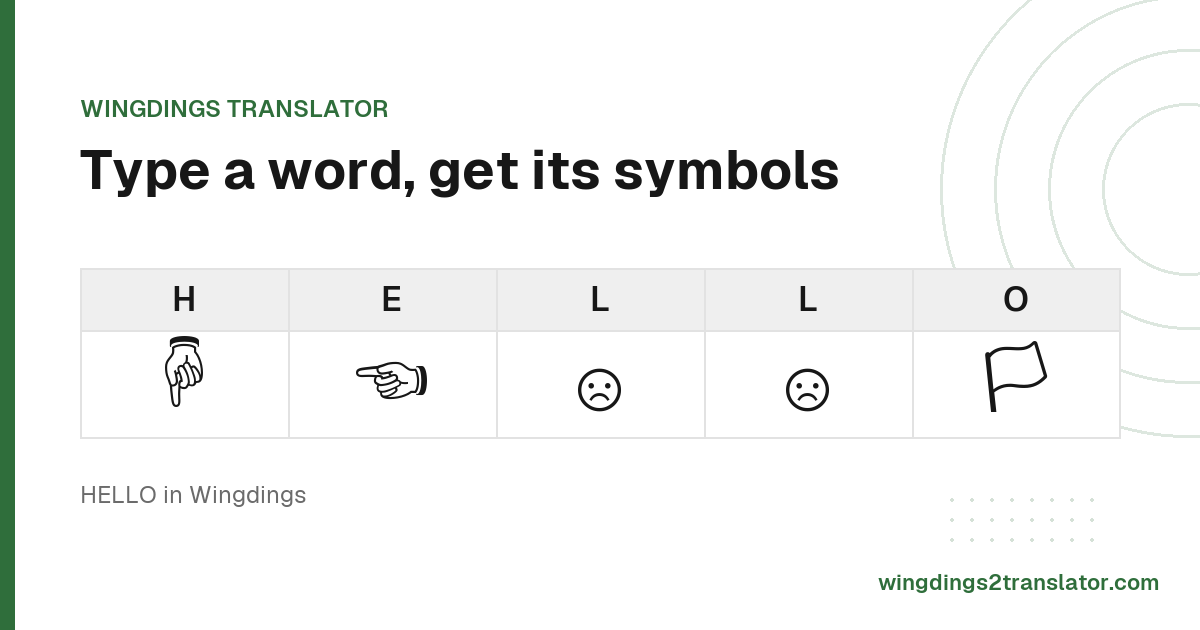
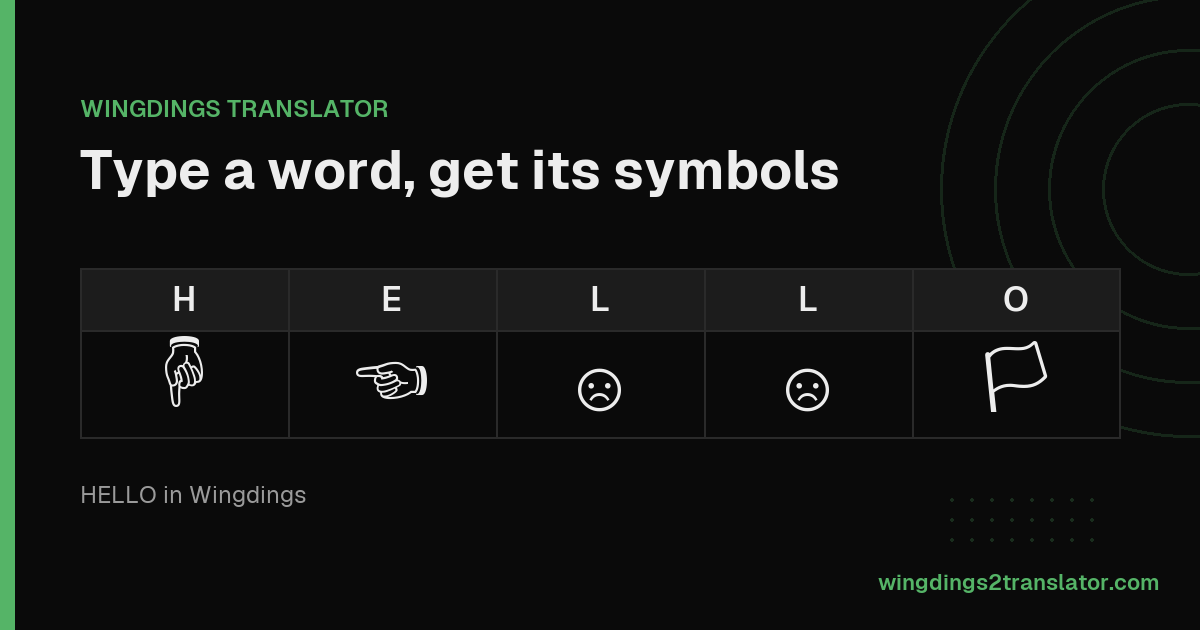
What is a Wingdings translator?
A Wingdings translator is a free online tool that swaps each letter, number and punctuation mark for its matching Wingdings symbol, and reverses the process to turn Wingdings symbols back into plain English. It works as a lookup table, not as encryption, so anyone with the same chart can read the result.
The mapping is fixed and public. Press C with Wingdings active and you get a thumbs up, every time, on every machine that has the font.
Microsoft names that glyph thumbup inside the font file itself. The typeface is also written as wing ding or wingding, and every one of those spellings means the same thing.
Because it is a substitution rather than a translation, nothing is lost. Anything you encode can be decoded back exactly, punctuation and capital letters included.
How to decode Wingdings back into English
- Paste your symbols into the first box.
- Confirm the font version, or let the tool detect it.
- Read the plain English in the second box.
- Copy the result, or save it as an image.
One thing trips people up constantly: the symbols came from an image, not live text, so there is nothing to paste.
Working from a screenshot? You need to read the symbols out of the picture first.
How to convert English into Wingdings
- Type or paste your message into the first box.
- Pick the font version you want to write in.
- Watch the symbols appear as you type.
- Copy them, or download the result as a picture.
Where that output works varies. Word and PowerPoint render Wingdings natively, social platforms tend to strip it, and Google Docs has none of it.
There is a workaround if you write in Docs, and it relies on the standard Unicode symbols this tool produces.
Wingdings symbol keyboard
Click any symbol to add it to your message. Pick a different card to browse another font version.
Hover a key to see its name and the letter that produces it.
Copy, paste and save your Wingdings text
The copy button puts the whole result on your clipboard in one click, ready to paste into a document, a message or a bio.
One caveat before you send it anywhere. Pasting into a site or app that lacks the font shows empty boxes instead of symbols.
That is why the image download exists. Saving your result as a picture makes it look identical for everyone, whatever they read it on.
Sending a puzzle rather than the answer? Copy link turns your translation into a web address, and it opens with your text already loaded.
How to type Wingdings in Word and PowerPoint
To type Wingdings in Word or PowerPoint, select your text and change the font to Wingdings. Every letter is redrawn as its symbol, and the letters underneath stay intact, so search and spellcheck still see the original word. Nothing needs installing on Windows or macOS.
There are three ways in, depending on how much control you want.
- Type your message normally, select it, then pick Wingdings from the font dropdown.
- Choose Insert, then Symbol, then More Symbols, and set the Font box to Wingdings to browse glyphs by eye.
- With the font already set to Wingdings, hold Alt and type 0074 on the number pad for ☺︎.
The Insert Symbol box shows each glyph's character code, which saves hunting for the same symbol twice.
That third route explains a stray J in old email. J draws the Wingdings smiley, so the plain letter shows through wherever the font was stripped out.
Google Docs is the exception, because it has no Wingdings at all. The workaround there is to paste Unicode symbols instead.
Turning off emoji output
Many translators substitute emoji that merely resemble Wingdings glyphs, so their output never quite matches the message you were sent. This tool defaults to the true glyphs instead.
The emoji toggle above the boxes switches between them. Turn it on for the color emoji rendering, off for the plain black and white symbol.
Black and white is what the font was designed around, so that is the default.
Either way the underlying character is identical, so a result copied in one mode still decodes correctly in the other.
Why your Wingdings shows up as empty boxes
Empty boxes mean your device does not have the font. Wingdings glyphs sit in the Unicode Private Use Area, a stretch of codepoints with no fixed meaning.
So they render only on a machine with Wingdings installed. Windows has it, most other systems do not.
Unicode 7.0 fixed this in June 2014 by approving standard codepoints for most Wingdings and Webdings symbols. Those display everywhere.
Three fixes, most reliable first:
- Use the standard Unicode equivalent, which is what this tool outputs. You can check any character against the complete symbol table.
- Export your result as an image, so it looks the same for every reader.
- Install the font, which only helps the people who do it. Worth knowing where the typeface came from before you rely on it.
Common phrases in Wingdings
A few phrases people look up most often, already converted. Load any of them into the tool to edit or copy.
| Phrase | In Wingdings | Load into translator |
|---|---|---|
| hello | ♒︎♏︎⚫︎⚫︎🞏 | |
| thank you | ⧫♒︎♋︎◼︎🙵 ⮹🞏◆ | |
| i love you | ♓︎ ⚫︎🞏❖♏︎ ⮹🞏◆ | |
| happy birthday | ♒︎♋︎🞐🞐⮹ ♌︎♓︎❒⧫♒︎♎︎♋︎⮹ | |
| good luck | ♑︎🞏🞏♎︎ ⚫︎◆♍︎🙵 | |
| see you soon | 🞟♏︎♏︎ ⮹🞏◆ 🞟🞏🞏◼︎ |
Wingdings 1, 2, 3 and Webdings: which one do you need?
Four fonts share the Wingdings family look, and each uses a different character map.
Paste Wingdings 2 symbols into a Wingdings 1 tool and you get the wrong letters back. Start here if your output looks like nonsense.
| Font | Released | What it contains | Use it when |
|---|---|---|---|
| Wingdings (Wingdings 1) | 1990 to 1992 | General icons, hands, weather, zodiac signs and checkboxes | Most Wingdings text you will meet. Start here. |
| Wingdings 2 | Early 1990s | Pointing hands, enclosed numbers, ampersands and geometric shapes | Your output has boxed numbers or a lot of pointing hands. |
| Wingdings 3 | Early 1990s | Almost entirely arrows and triangles | Your output is mostly directional arrows. |
| Webdings | 1997 | Web and media icons, with a more modern look | Your symbols look like play buttons and web icons. |
Two things worth stating plainly. Wingdings 1 and standard Wingdings are the same font, so the default setting above already handles it.
And there is no Wingdings 4. Microsoft made three Wingdings fonts plus Webdings in 1997, and nothing since.
Is Wingdings actually a cipher?
No, Wingdings is not a cipher. It is a font substitution, which is a different thing from encryption.
A cipher hides meaning behind a key only the sender and receiver hold. A font just changes how characters are drawn.
The letter A in a Wingdings document is still stored as the letter A. Copy that text into any ordinary font and it reads normally again.
So it offers no security at all. The mapping is public, published by Microsoft and encoded in the Unicode standard.
Treat it as a novelty or a puzzle, never as a way to protect something.
Wingdings translator FAQ
What is a Wingdings translator?
A Wingdings translator is a free tool that swaps every letter, number and punctuation mark for its matching Wingdings symbol, and reverses the process to turn symbols back into plain English. It works from a fixed lookup table, so nothing is encrypted.
Can I translate Wingdings from a picture?
Translating Wingdings from a picture needs a different approach, because there is no text to paste. You have to read the symbols out of the image first, then match them against the chart. A screenshot of symbols cannot be pasted into this tool directly.
Does Google Translate do Wingdings?
Google Translate does not handle Wingdings. It translates between human languages, and Wingdings is a font that swaps letters for pictures rather than a language with its own grammar or vocabulary. Use a dedicated Wingdings tool like this one instead.
Why does my Wingdings text look different from the original?
Text usually looks wrong because it was written in a different font version. Wingdings, Wingdings 2, Wingdings 3 and Webdings each use their own character map, so the same key produces a different symbol in each. Switch versions until the output matches.
Is Wingdings available in Google Docs?
Wingdings is not available in Google Docs, which only offers fonts from Google Fonts. The workaround is to convert your text here and paste the standard Unicode symbols back into your document, where they display without needing the font installed.
How do you speak Wingdings?
You cannot speak Wingdings, because it is a symbol font rather than a language. Each key draws a picture instead of a sound, so there is nothing to pronounce. People searching for this usually mean writing in it, which the tool above does.
What does Gaster's language in Undertale have to do with Wingdings?
Gaster, the hidden Undertale character, has his dialogue written in Wingdings, which is where the name W. D. Gaster comes from. Fans decode his lines by mapping each symbol back to the keyboard letter that produces it, which is exactly what this translator does.